Release Announcement Page NineData Community Edition V5.2.0 Released

A fully local deployment version that runs completely offline
All data and operations remain 100% within your local environment.
Support Database DevOps, Data Replication, and Data Comparison.
Provide a complete data migration solution covering the full data lifecycle.
Provide comprehensive permission management, SQL review, SQL standards, and approval workflows.
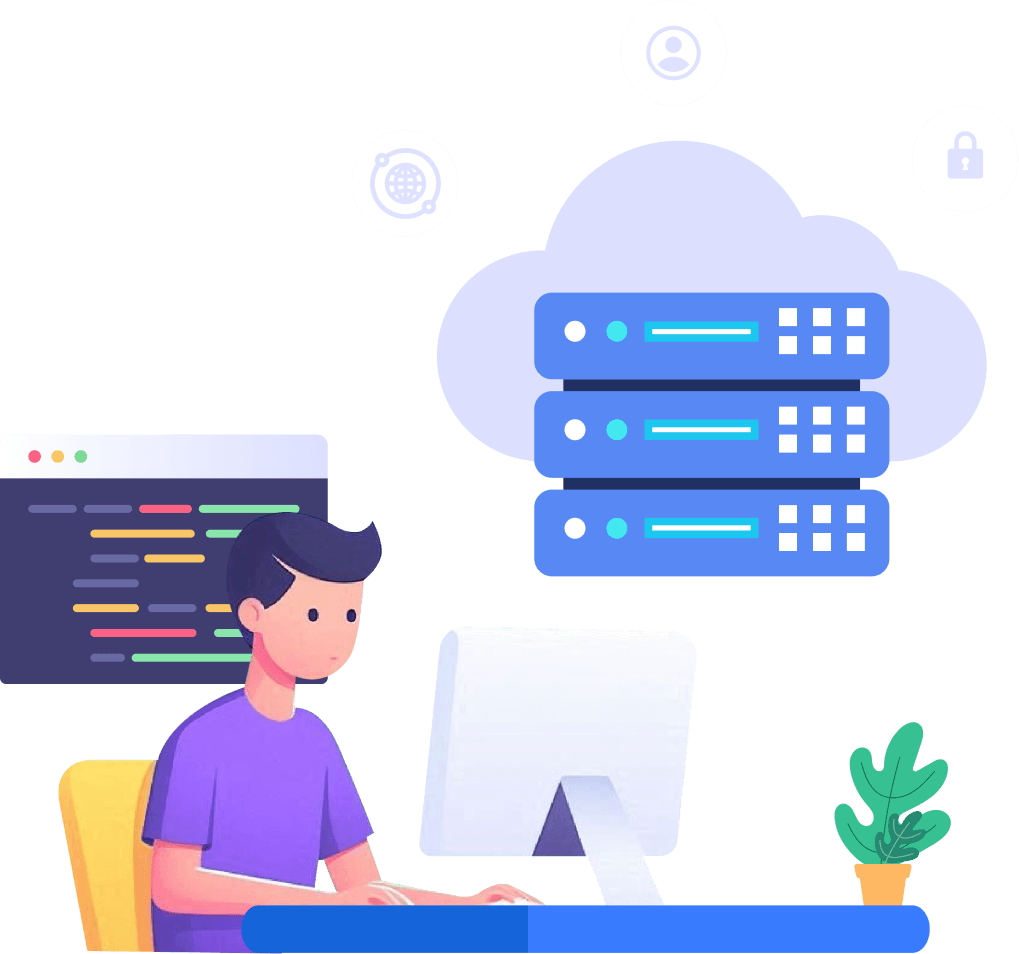
NineData community edition developer managing cloud database illustration

Deployment Options

NineData Community Edition is built on Docker technology. Users can install NineData locally with a single command.

1.One-Click Installation, Free to Use

Log in to the server command line and execute the following command. Wait until the container starts successfully.

docker run -p 9999:9999 --privileged -v /opt/ninedata:/u01 --name ninedata -d ninedata:latest

3.Deployment Demo Video

Log in to the server command line and execute the installation command. After the container starts, you can access the NineData Console.

2.Access NineData Console

Open the NineData Console login page.The default administrator username and password are both admin. You will be required to change the password after your first login.
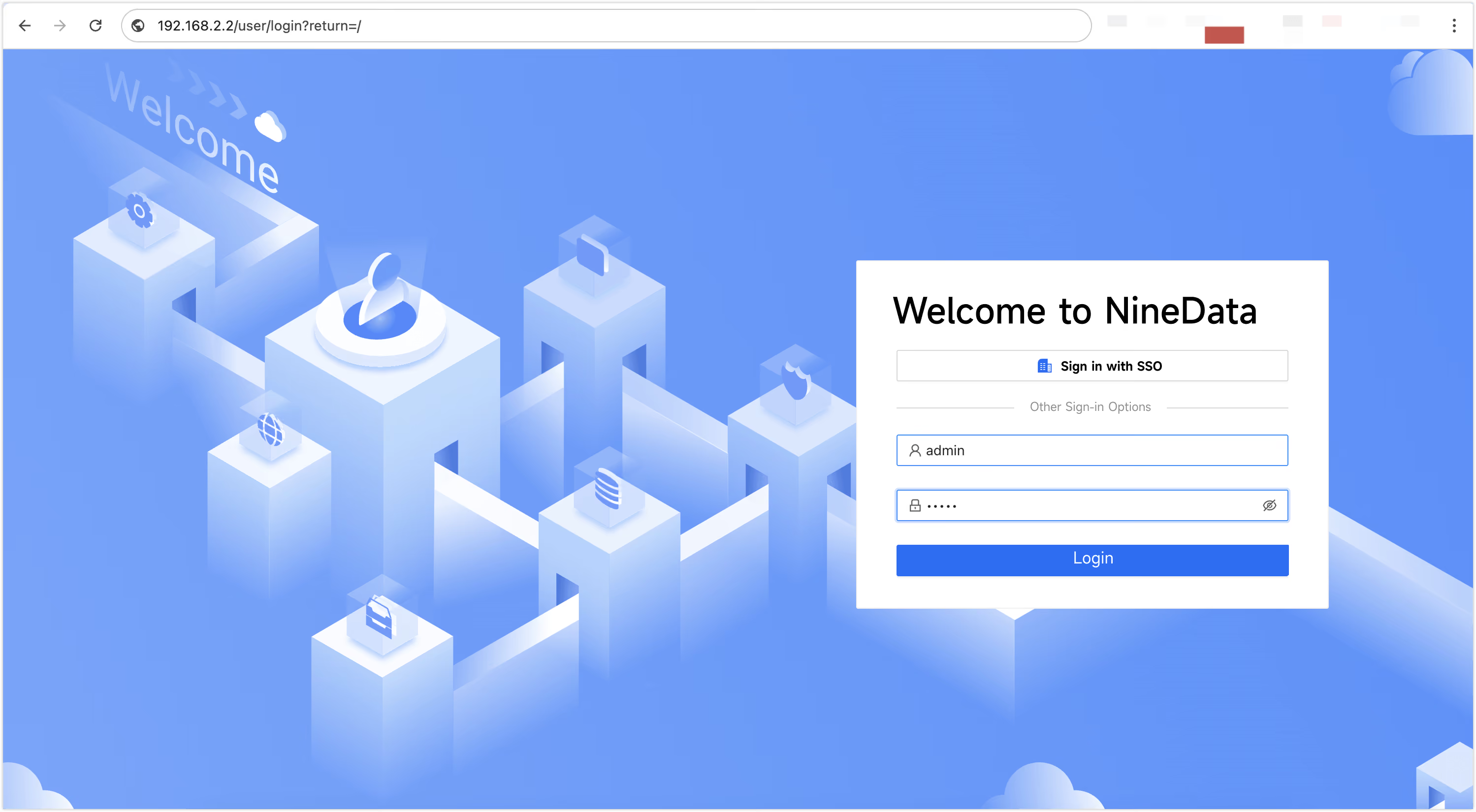
NineData Community Edition console login screenshot

1.One-Click Installation, Free to Use

Log in to the server command line and execute the following command. Wait until the container starts successfully.

docker run -p 9999:9999 --privileged -v /opt/ninedata:/u01 --name ninedata -d ninedata:latest

2.Access NineData Console

Open the NineData Console login page.The default administrator username and password are both admin. You will be required to change the password after your first login.

NineData Community Edition console login screenshot

3.Deployment Demo Video

Log in to the server command line and execute the installation command. After the container starts, you can access the NineData Console.

Deployment Options

NineData Community Edition is built on Docker technology. Users can install NineData locally with a single command.

Comprehensive permission management, SQL review, SQL standards, and approval workflows.
Efficiently manage data across multiple environments
Visual table creation and editing
Data import / export
SQL execution / data query
Result set editing
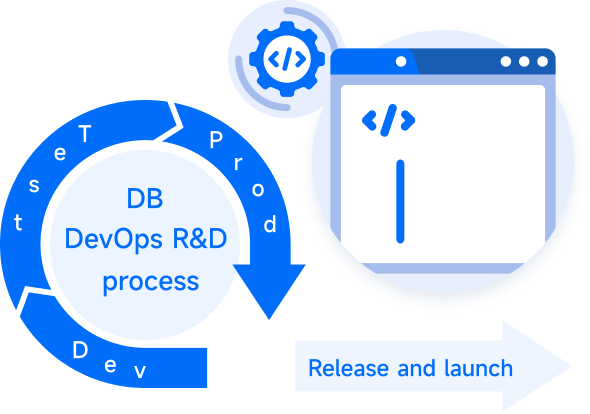
NineData SQL review screenshot illustrationNineData Database DevOps Database DevOps Workflow illustration
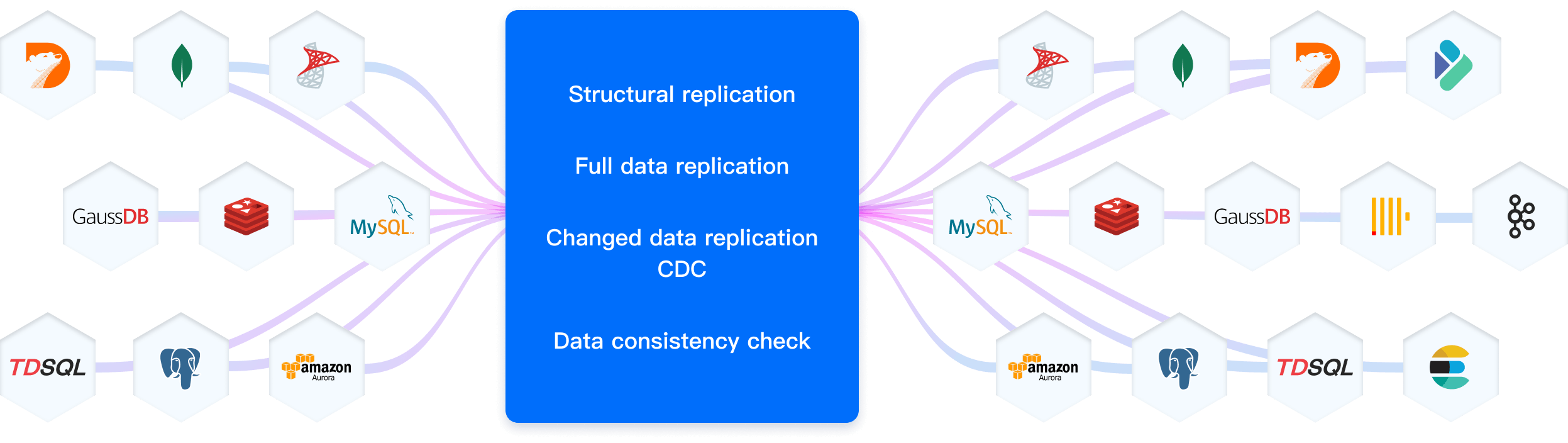
Cross heterogeneous data sources,data migration, replication, integration
Supports migration between homogeneous and heterogeneous data sources
Real-time data synchronization or periodic data integration
Supports multiple environments, self-built, and cloud-hosted options
End-to-end replication capabilities, supporting one-way and two-way
NineData Data Replication all-in-one pipeline diagram
Cloud-native data comparison product,1 million records /sec
Supports data consistency verification between homogeneous and heterogeneous data sources
Offers various comparison methods such as structural comparison, full comparison, sampling comparison, and periodic comparison
Dynamically monitors database load, with adaptive comparison speed to ensure database stability
Support a wide range of data sources to meet enterprise requirements
Provide comprehensive schema comparison with extensive coverage of database objects and attributes
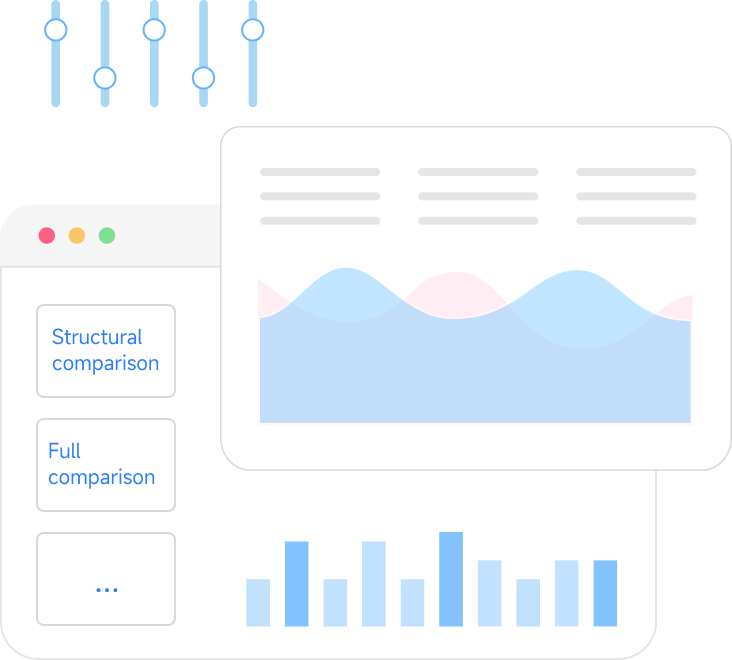
Data comparison feature illustration

NineData vs. Leading Database Tools

NineData Community Edition provides the advantages of local deployment, helping protect data privacy and meet compliance requirements.

SimFrom SQL Review to Cloud Collaboration, Go Beyond Traditional Database Toolsple and convenient, quick experience

Comparison Item
NineData
Navicat
$20/month
Advanced features and reporting, better workflows and automation.
Get started
Flyway
$40/month
Personalised service and enterprise security for large teams.
Get started
$40/month
Personalised service and enterprise security for large teams.
Get started
Liqubase
DataGrip
$40/month
Personalised service and enterprise security for large teams.
(Non-Commercial License)
Get started
Basic Capabilities
Update and Iteration Frequency
High (Continuous delivery, weekly iteration)
Medium (Annual major versions, quarterly minor updates)
Medium (Regular feature enhancements, about once every six months)
Medium (Regular maintenance, quarterly updates)
Medium (two major updates per year)
Deployment
Model
Docker Deployment
Desktop Application
CLI Integrated with Java
Desktop IDE (Windows
/macOS/
Linux)
Supported Data
Sources
MySQL, PostgreSQL, SQL Server, etc.
MySQL, PostgreSQL, Oracle, and other mainstream databases
Mainstream databases (similar to Flyway)
Full support for mainstream databases; basic support for other databases through JDBC drivers
Login Methods
Account password/
third-party login/SSO
(LDAP)
Local account/
License
No (Command line)
No (Command line)
JetBrains account + database authentication (no platform-level SSO)
SQL IDE
Supported Languages
Chinese & English
Multiple languages
English
English
English, with Chinese/
Japanese/
Korean language packs
SQL Editor
Supported (Strong)
Supported (Strong)
Supported (SQL IDE and multiple query consoles)
Visual Object Management
Supported (Graphical)
Supported
(object browsing/
creation/
modification and database diagrams)
Query Result Operations
Export, Edit
Export, Edit, Charts
Supported (view, edit, search, compare, import, and multi-format export)
Session Isolation
Supported (dedicated sessions)
SQL Review & Release Management
SQL Change Release
Work Order + Automated Process
Direct Execution
Direct Execution of Migration Scripts
Direct Execution of Scripts
Direct execution (no approval work orders)
Automatic Change Backup
Manual Backup
Approval Workflow
Online DDL
Natively Supported
Online DML
Built-in SQL Standards
Mobile Approval
Release Workflow Orchestration
SQL Code Review
Data Security
Sensitive Data Protection
Intelligent data classification and grading, complete data desensitization + encryption
Permission Authorization
Model
RBAC + ABAC, administrator authorization + active application
Permission Model
Local permissions
Operation Audit
Full-link audit
Advanced Data Processing
Data Import
Multi-format import, syntax-level controllable
Multiple formats (Excel, CSV, etc.)
Through migration scripts
Through scripts
Supported (CSV/TSV/
delimited-text import)
Data Export
Multi-Format Export with File Encryption and Watermark Protection
Multiple formats export
Supported (CSV/
JSON/XML/
HTML/
Markdown/Excel and other formats)
Data Archiving & Cleanup
Manual
Data Tracking & Rollback
Automatic parsing of Binlog to generate in reverse
Data Generation
Support for test data generation
Performance Diagnostics
Data Export
In-depth analysis + optimization suggestions (MySQL, PG, Oracle, Db2)
Basic analysis
Partially supported (Explain Plan/Analyse; no slow-SQL monitoring)
Session Management
View/Kill sessions
View/Kill sessions
Supported (view/close sessions and cancel statements)

Support Database Migration Scenarios Including Both Downtime and Zero-Downtime Migration

Comparison Item
NineData
Flink CDC 3.0
$20/month
Advanced features and reporting, better workflows and automation.
Get started
AWS DMS
$40/month
Personalised service and enterprise security for large teams.
Get started
Debezium
$40/month
Personalised service and enterprise security for large teams.
Get started
Basic Capabilities
Product Positioning
Enterprise end-to-end real-time replication platform
Open-source CDC and data integration component
AWS managed database migration service
Open-source CDC connector platform built around Kafka Connect
License
Free Community Edition; commercial Enterprise Edition
Apache 2.0
Commercial proprietary service
Apache 2.0
Supported Data Sources
100+
10+
26+
13+
Visual Data Source Configuration Management
User Management
Permission Management
Partially supported
Core Functions
Table Structure Migration
Non-Table Object Migration
Partially supported
Full Data Migration
Incremental Data Synchronization (DML)
Incremental Schema Synchronization (DDL)
Partially supported
Partially supported; limited to selected table-related DDL
Data Filtering
Partially supported
Object Name Mapping
Data Transformation Processing
Partially supported
Schema Comparison
Full Data Comparison
Incremental Data Comparison
Modify Synchronization Objects
Partially supported
Visual Task Configuration & Management
Task Management
High Availability & Automatic Recovery (Task-Level / Server-Level)
Partially supported
Task Pause & Resume
Task Throttling
Partially supported
Monitoring and Alerts
Partially supported
Metrics Monitoring
Partially supported
Supported through JMX
Data SQL Query Window
API
Partially supported
Partially supported
Delivery and Support
Deployment Model
Community Edition on Docker;
Enterprise Edition on Docker;
cloud service
Flink CLI, standalone, or Kubernetes
AWS managed cloud service
Kafka Connect, Debezium Server, or Kubernetes
Technical
Support
NineData vendor support
Community support
AWS support
Community and ecosystem support
Seamless Upgrade! Unlock More Powerful Features
Easily upgrade from NineData Community Edition to Enterprise Edition, enjoy professional data management capabilities.Learn about Enterprise Edition